
Review My eLearning offers a customizable notifications experience, with control at your fingertips for both individual courses and your profile as a whole.
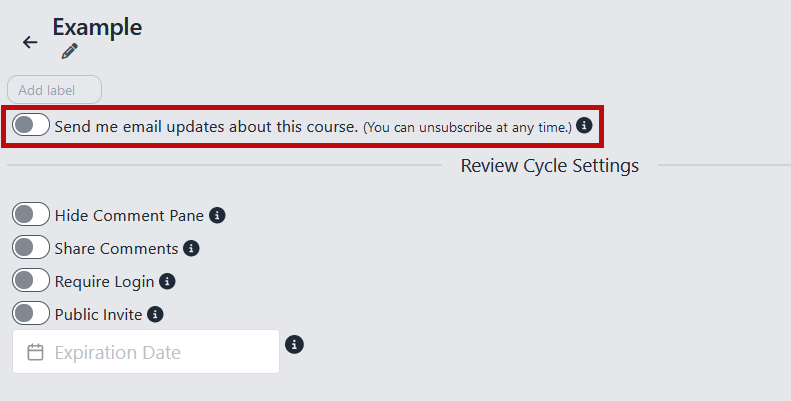
To customize Update Notifications for a Course:
Navigate to the Course's details page
Toggle the option to receive email updates about the course
To change the frequency of all Update Notifications for your Review My eLearning profile:
Navigate to your Profile page
Change the notification interval using the dropdown menu